Home AI Skill Courses Creating Agents in Copilot Studio

Creating Agents in Copilot Studio

4.9/5 Google 4.5/5 CourseReport 4.7/5 Meetup

Build a real business AI agent in just 4 hours. Learn to ground it with enterprise knowledge, connect business tools, automate workflows, test its performance and publish it for real users.

  • 4 hours of focused live training
  • Hands-on labs throughout the course
  • Build one complete business AI agent
  • Connect enterprise knowledge and business tools
  • Build agent-powered workflows
  • Add authentication and approval controls
  • Test and evaluate agent performance
  • Publish the agent for real users
View Schedule

Get Free Consultation

    By checking the box, you consent to receive registrations, class reminders, updates, support text messages from AgileFever at the provided number. Message and data rates may apply. Message frequency varies (typically 1–2 msgs/week). To end messaging from us, you may always reply with STOP. You may also reply with HELP for more information. Check Privacy Policy and Terms & Conditions.
    google-icon
    4.9⭐

    Google Rating

    trained
    16,000+

    Professionals Upskilled

    edu-logo
    150+

    Live Cohorts Delivered

    exp-trainers
    300+

    Enterprise Teams Trained

    Course Overview

    In this 4-hour live Creating Agents in Copilot Studio program, learn to build, test and publish a functional AI agent using Microsoft Copilot Studio. Learn how to design agent behaviour, connect enterprise knowledge, use business tools, automate workflows, add approvals, evaluate responses and securely publish the agent for real users.

    Key Highlights

    Build a working AI agent - Go from a business requirement to a functional Copilot Studio agent with clear instructions, behavior and goals.

    Ground agents with enterprise knowledge - Connect trusted business information so your agent can retrieve relevant knowledge and provide grounded responses.

    Connect business tools - Give your agent the ability to interact with business applications using connectors and other tools.

    Automate real business processes - Build agent-powered workflows that move beyond conversation and complete multi-step business tasks.

    Add approvals and controls - Design workflows with authentication, permissions and human approval where business actions require control.

    Test and evaluate agent quality - Create real-world test scenarios, evaluate responses and improve the agent before releasing it to users.

    Publish for real users - Secure and publish your agent across supported channels such as Teams, Microsoft 365 Copilot and web.

    Creating Agents in Copilot Studio Course Content

    Download Syllabus
    Module 1 Build your first agent

    Agent fundamentals

    • What an AI agent is
    • How Copilot Studio agents work
    • Agent instructions, goals and behavior
    • Generative AI and generative orchestration
    • Topics, knowledge and actions
    • Designing an agent around a business problem

    Lab 1: Create an AI agent

    • Create an agent from a business scenario
    • Define role and instructions
    • Configure behavior, tone and boundaries
    • Add sample scenarios
    • Test the agent

    Outcome:

    • A working AI agent designed for a specific business use case.
    Module 2 Add knowledge and tools

    Knowledge

    • Business documents and websites
    • Grounding responses with trusted information
    • Knowledge retrieval
    • Choosing the right knowledge sources

    Tools and connectors

    • Agent tools
    • Power Platform connectors
    • Connecting business applications
    • Tool inputs and outputs
    • Knowledge vs tools vs workflows

    Lab 2: Connect knowledge and tools

    • Add an enterprise knowledge source
    • Test grounded responses
    • Add a business tool
    • Configure tool inputs
    • Test information retrieval and actions

    Outcome:

    • An agent that can retrieve trusted information and interact with connected business services.
    Module 3 Build agent actions and workflows

    Agent workflows

    • From answering questions to completing tasks
    • Agent flows and Power Automate
    • Deterministic business processes
    • Inputs and outputs
    • Authentication
    • Human approval

    Lab 3: Build a business workflow

    • Create an agent flow
    • Define inputs and outputs
    • Connect business actions
    • Add an approval step
    • Add the workflow as an agent tool
    • Test the complete experience

    Outcome:

    • An agent that can trigger and complete a multi-step business process.
    Module 4 Test, secure and publish

    Testing and evaluation

    • Test real business scenarios
    • Debug agent responses
    • Analyze conversations
    • Create test cases
    • Evaluate responses
    • Improve agent behavior

    Security and deployment

    • Authentication
    • Access and permissions
    • Business data protection
    • Publishing channels
    • Basic monitoring

    Lab 4: Test, secure and publish

    • Run real-world scenarios
    • Create an evaluation test set
    • Fix weak responses
    • Validate tool execution
    • Configure authentication
    • Publish the agent

    Outcome:

    • A tested, authenticated and published AI agent ready for users.

    Schedules for Creating Agents in Copilot Studio

    Enquiry for Corporate Training

      I consent to AgileFever representative contacting me.

      Talk to a Learning Advisor

      To fast-track your career and achieve your goals.

      Apply Now

      Pay Monthly EMI, as low as

      $0/month
      We have partnered with the following financing companies to provide competitive finance options at as low as 0% interest rates with no hidden cost.
      payment

      Creating Agents in Copilot Studio Exam Details

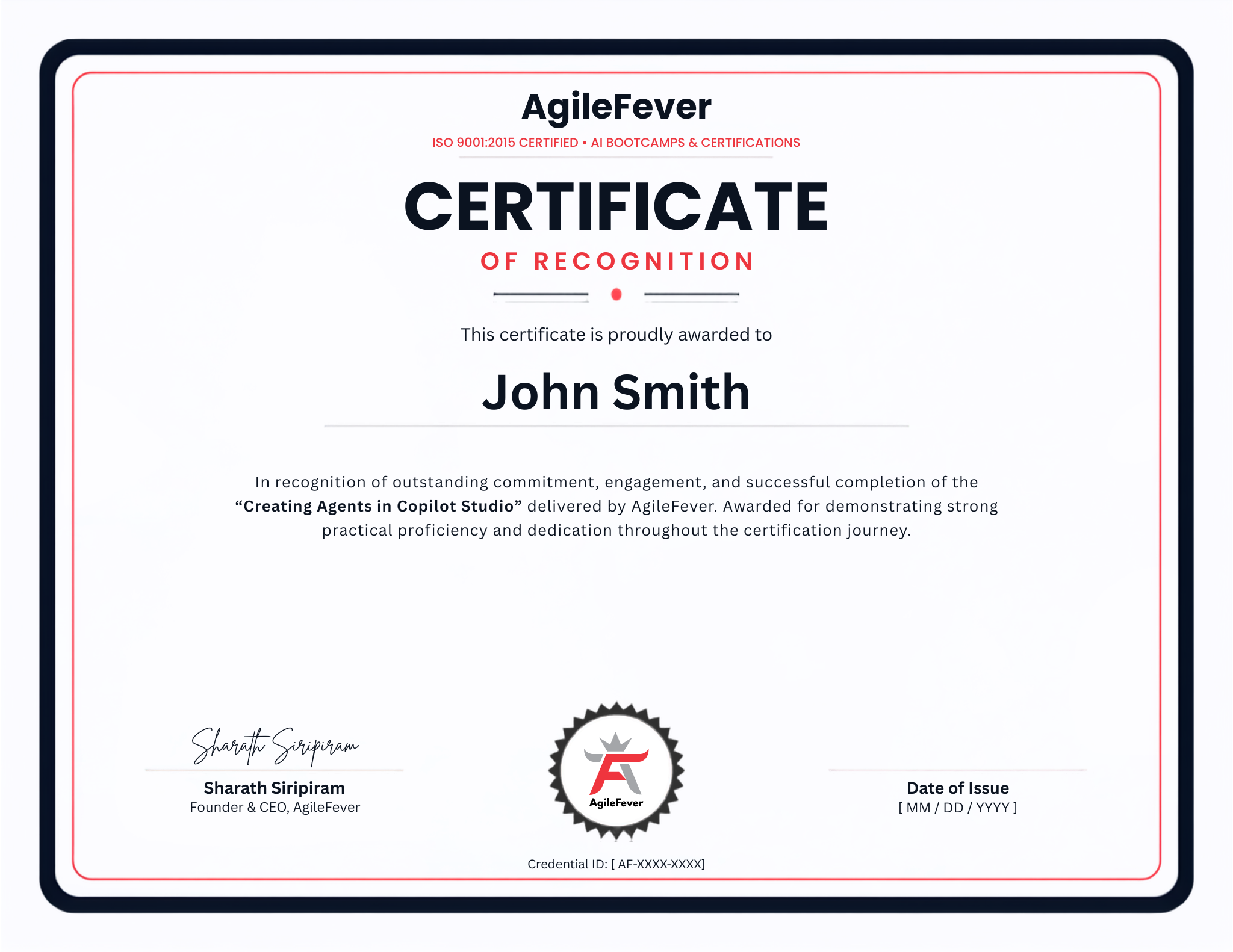
      Certification

      This course develops practical skills with Microsoft Copilot Studio and can complement preparation for relevant Microsoft Power Platform certifications, including PL-200: Power Platform Functional Consultant Associate.

      Note: This is a practical agent-building course, not a certification-preparation program.
      Prerequisites
      • Basic understanding of generative AI and LLM concepts
      • Familiarity with Microsoft 365 or business applications
      • Basic understanding of business workflows
      • Access to a Microsoft environment suitable for Copilot Studio hands-on exercises
      • No programming experience is required.
      Creating-Agents-in-Copilot-Studio
      img

      Creating Agents in Copilot Studio is ideal for

      • IT professionals
      • Business analysts
      • Solution architects
      • Developers
      • Power Platform professionals
      • Automation professionals
      • IT managers and technical leads
      • Digital transformation professionals
      Enquire Now

      Companies that trust Us

      accenture-logo
      adobe-logo
      amazon-logo
      boa-logo
      dell-logo
      disney-logo
      exonmobil-logo
      google-logo
      ibm-logo
      meta-logo
      microsoft-logo
      rackspace-logo
      tesla-logo
      twilio-logo

      Benefits That Set You Apart

      trained
      trained
      trained
      trained
      exp-trainers
      exp-trainers
      exp-trainers
      exp-trainers

      Steps to Getting Certified

      1 Step
      2 Step
      3 Step
      4 Step

      Journeys that keep Inspiring ✨ everyone at AgileFever

      read-agilefever-reviews-male
      Mahanth Sharma

      Solution Architect

      Within four hours, I went from understanding Copilot Studio to building an agent that could use knowledge, trigger workflows and complete a real business task. The hands-on approach made it immediately useful.

      read-agilefever-reviews-male
      Rishi Kumar

      Automation Lead

      The course focused on what actually matters when building an enterprise agent. Connecting business tools, adding approvals and testing the agent gave me a much clearer understanding of how to take an agent from idea to implementation.

      read-agilefever-reviews-male
      Rahul T

      IT Manager

      What stood out was the complete journey. We didn’t just build an agent and stop there. We tested it, secured it and published it. I could see several processes in our organization where this approach could be applied.

      Frequently Asked Questions

      1. What will I learn in this course?

      You will learn to build AI agents in Microsoft Copilot Studio, connect knowledge and business tools, automate workflows, test agent quality and publish the agent.

      2. Do I need programming experience?

      No. The course uses Copilot Studio’s low-code capabilities. Basic familiarity with business applications and workflows is helpful.

      3. Is the course hands-on?

      Yes. You will build a complete Business Operations Agent through hands-on labs, from initial setup through testing and publishing.

      4. Who should attend this course?

      It is designed for IT professionals, business analysts, solution architects, developers, Power Platform professionals, automation professionals and technical leaders.

      5. Will I receive a certification?

      The course focuses on practical Copilot Studio skills rather than certification preparation. It can complement preparation for relevant Microsoft Power Platform certifications.

      Build, automate and publish AI agents with Microsoft Copilot Studio

      Apply Now