ML Deployment on Azure: From Model to Microsoft Cloud

Your model works. But can anyone actually use it?

You trained a model.
Got decent accuracy.

Now the real question:

Can someone actually use your model in a real application?

If not, you are missing the most important part, which is deployment.

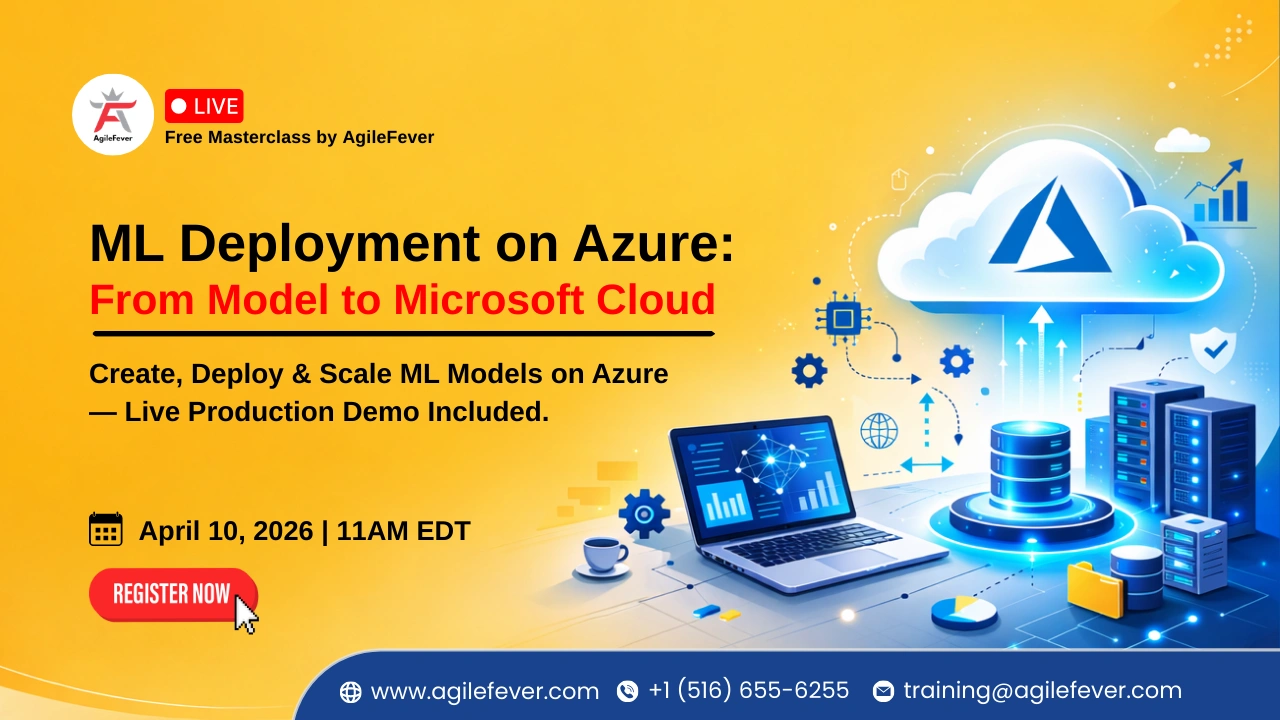
In this masterclass, we go beyond theory and show you how to take a model all the way to a working API on Azure.

What is Azure (and why it matters)?

At the beginning of the session, we clarify the ecosystem:

At 00:01:24, you’ll see how cloud platforms like AWS, GCP, and Azure dominate ML infrastructure
At 00:01:45, Azure is introduced as Microsoft’s cloud platform

  • Azure is where you can build, train, and deploy ML models end-to-end.

What This Masterclass Covers (A Quick Snapshot)

Before diving deep, here is what’s actually covered:

  • At 00:00:06, the focus is clearly set: end-to-end ML deployment on Azure
  • At 00:02:03, we move into real workflow using a housing price prediction problem

So this isn’t theory. It is a full pipeline walkthrough.

End-to-End ML Deployment Workflow on Azure

Let’s break down the exact process demonstrated in the session.

Step 1: Infrastructure Setup

Before touching the model, we prepare the environment.

  • At 00:02:49, infrastructure setup begins:
    • Workspace creation
    • Compute setup
    • Environment configuration

Think of this as setting up your cloud lab.

Step 2: Train the Model on Cloud

Once setup is ready:

  • At 00:03:30, the model is trained using linear regression

The goal here isn’t complex ML— it is understanding how training works on cloud infrastructure.

Step 3: Deploy the Model as an API

This is where things get interesting:

  • At 00:03:53, deployment begins
  • A REST API endpoint is created for predictions

This is the exact moment your model becomes usable.

Key Azure Components You Need to Understand

The masterclass also breaks down Azure’s architecture:

  • 00:04:55, Azure subscription gives access to full features
  • 00:05:31, storage accounts + Key Vault are introduced
  • 00:05:47, compute resources (CPU/GPU) are explained
  • 00:06:26, trained models are stored in .pkl format

These are the building blocks of any Azure ML project.

Working Inside Azure ML Studio

Everything happens inside Azure ML Studio:

  • 00:08:13, Azure ML Studio is introduced
  • 00:08:36, dataset structure is explained (X → features, Y → target)
  • 00:08:48, data split (80/20) is performed
  • 00:09:27, models are tested and artifacts stored

This is your main workspace for development and deployment.

Model Deployment & Endpoint Types

Once the model is ready, deployment options come into play:

  • 00:13:38, two endpoint types are introduced
  • 00:14:02, real-time vs batch differences are explained
  • 00:15:01, batch processing with files (CSV) is shown
  • 00:15:33, input examples (house features) are used for predictions

This is where ML meets real-world usage.

ML Deployment Pipeline (Phases)

The process is broken into clear phases:

  • At 00:16:00, Phase 1:
    • Azure account
    • Workspace
    • Compute
    • Jupyter setup
  • At 00:16:43, Phase 2:
    • Train model
    • Upload data
    • Test locally
  • At 00:16:55, Phase 3:
    • Store model
    • Register model
    • Create endpoints
  • At 00:18:00, transition into live implementation

This structured approach is exactly how real teams work

Hands-On: Creating and Training Model on Azure

Now the practical part:

  • At 00:24:40, data is imported and model training starts
  • At 00:25:39, Jupyter notebooks and dataset uploads are shown
  • At 00:26:26, libraries are imported and data is prepared
  • At 00:26:59, model training and saving begins

This is where your model actually gets built.

Final Deployment Setup (Important)

Deployment isn’t just one click setup, it involves configuration:

  • At 00:31:08, score.py is created for predictions
  • At 00:32:00, model registration with versions is explained
  • At 00:32:44, environment setup using conda dependencies
  • At 00:35:01, endpoint creation (real-time or batch)

If you miss any of these steps, the deployment fails.

How Prediction Works in Production

Once everything is live:

  • User sends input (JSON or file)
  • API receives request
  • score.py processes input
  • Model predicts output
  • Result is returned

That’s your production ML system.

Want to Build This Yourself?

Watching is one thing. Doing it is another.

If you want hands-on experience with:

  • ML deployment
  • API creation
  • Real-world projects

👉 Join AgileFever’s 100% live MLOps & LLMOps Bootcamp with capstone and real implementations.
What You’ll Learn?

  • Deploy ML models on Azure cloud environment
  • Create scalable online endpoints
  • ⁠Understand enterprise-grade ML deployment flow
  • Build production-ready ML solutions
ML Deployment on Azure

Who Should Attend this Masterclass?

This masterclass is ideal for:

  • Machine Learning Engineers who want to move from notebooks to production
  • Data Scientists ready to deploy models instead of just building them
  • AI/ML Enthusiasts curious about real-world Azure deployment
  • Cloud Engineers working with Azure services
  • DevOps Engineers supporting ML pipelines
  • Backend Developers integrating ML models into applications
  • MLOps Practitioners exploring Azure-native workflows
  • Tech Leads & Architects designing scalable ML systems
  • Final-year students & early-career professionals aiming for ML + Cloud roles
Watch Recorded

Frequently Asked Questions

Sed laoreet mollis velit quis hendrerit. Quisque pellentesque tortor mattis laoreet lacinia

1. How do you deploy a machine learning model on Azure?

By creating a workspace, training a model, registering it, setting up environment dependencies, and deploying it via endpoints.

2. What is Azure ML Studio?

It’s a platform to build, train, and deploy ML models on Azure.

3. What is a scoring script?

A script (score.py) that loads the model and handles prediction requests.

4. What is the difference between real-time and batch endpoints?

Real-time handles instant predictions; batch processes multiple records at scheduled intervals.